

What it does
Organised by the work rather than by module, because nobody sits down to use a module. Every screen below is in the product today.
Getting paid
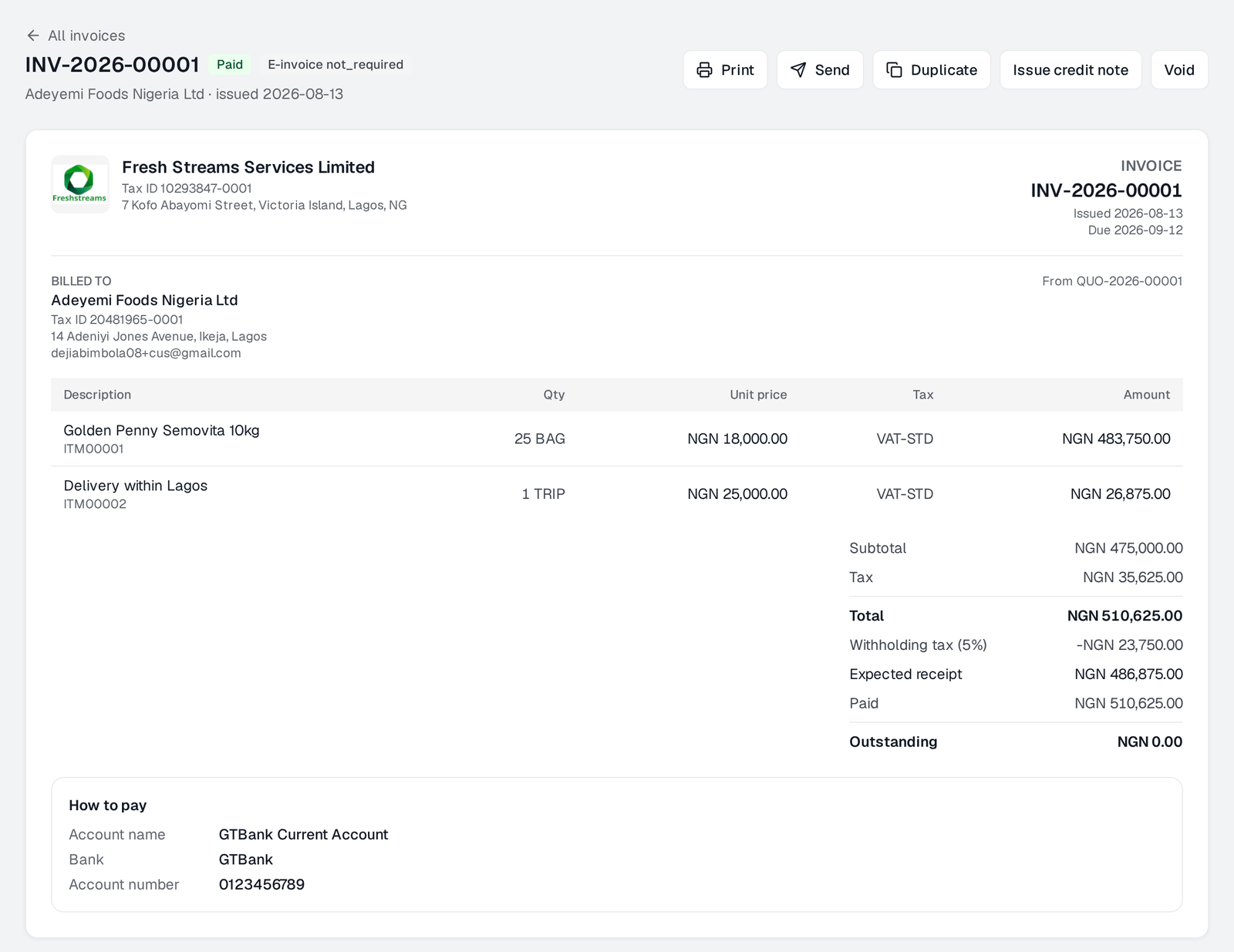
Quotes that become invoices without retyping. Invoices carrying VAT, withholding and the bank account to pay into. Receipts that settle named invoices and leave the rest on account, credit notes, and a customer page showing what they buy and when they last paid.
Who owes you, worst first, in ageing buckets. Invoices and receipts email straight from the document, and the receipt tells the customer their withholding was recognised.
Paying out
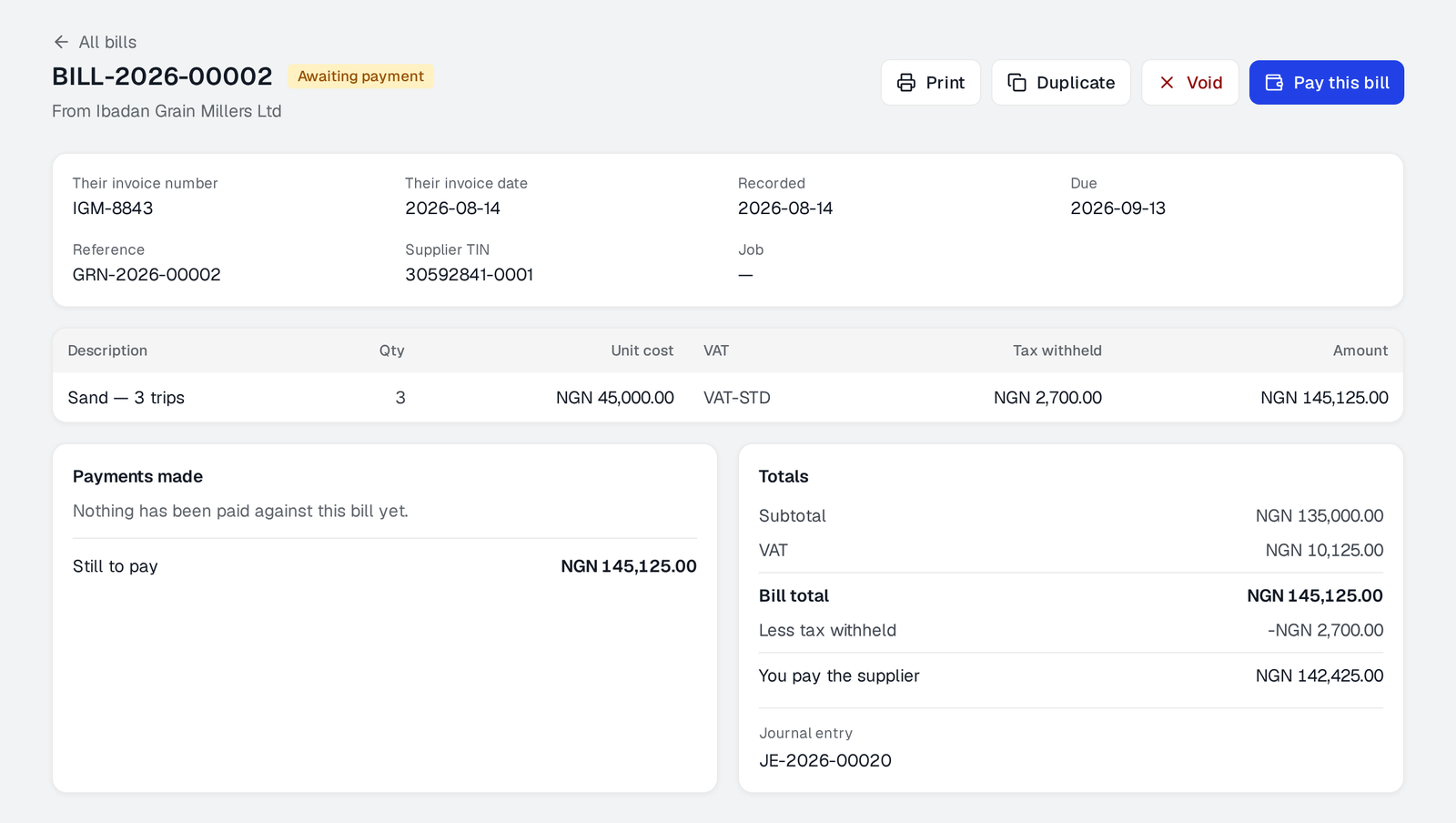
Purchase orders that go for approval and convert to bills. Goods received notes, matched three ways against the order and the bill, with the price difference posted rather than argued about. Deliveries waiting for a bill are listed so nothing sits unbilled.
Expense claims from staff and from claimants on their phones, petty cash floats, and supplier payments with withholding calculated by the server.
What you hold
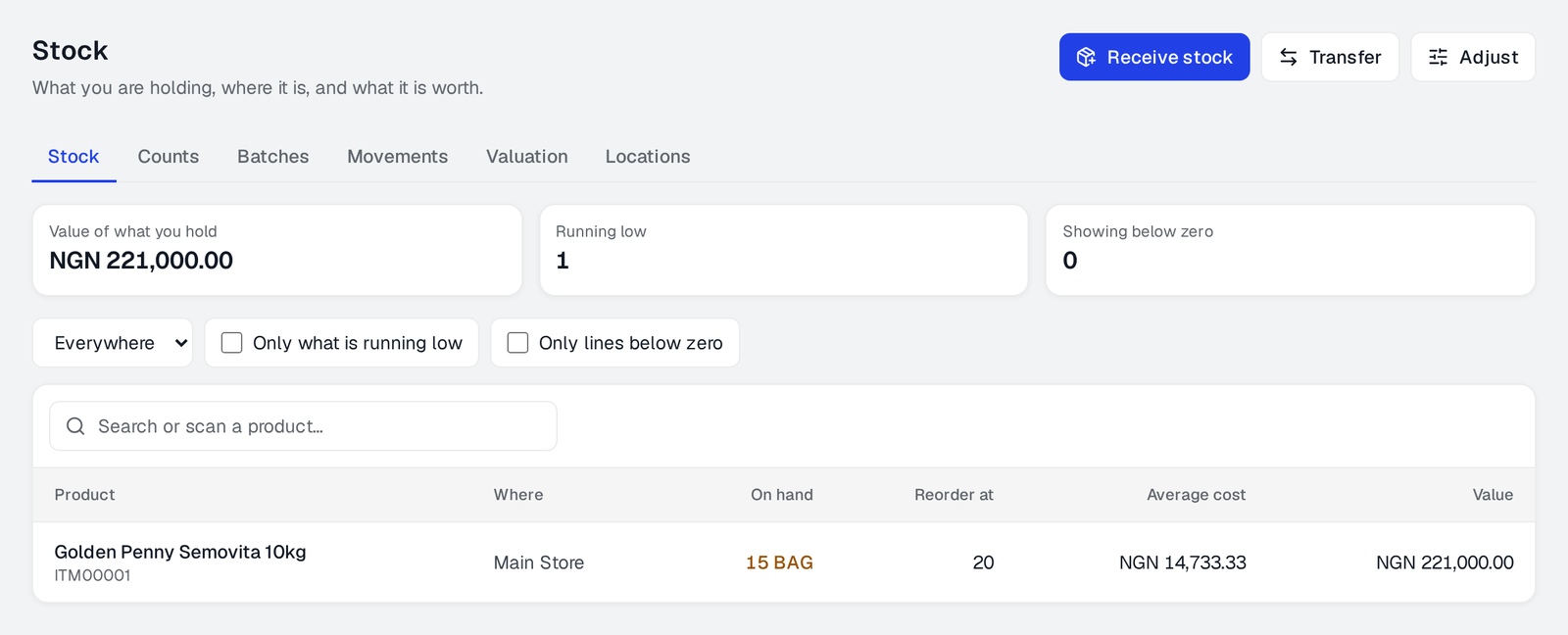
Stock across warehouses, batches where you need them, transfers, adjustments, issues to a job, and counts that post the difference. Valuation and movement history are readable rather than reconstructed.
Fixed assets have their own register, depreciation runs with a visible history, scannable QR tags that resolve to the asset, verification counts, disposals, and an exportable register.
The books
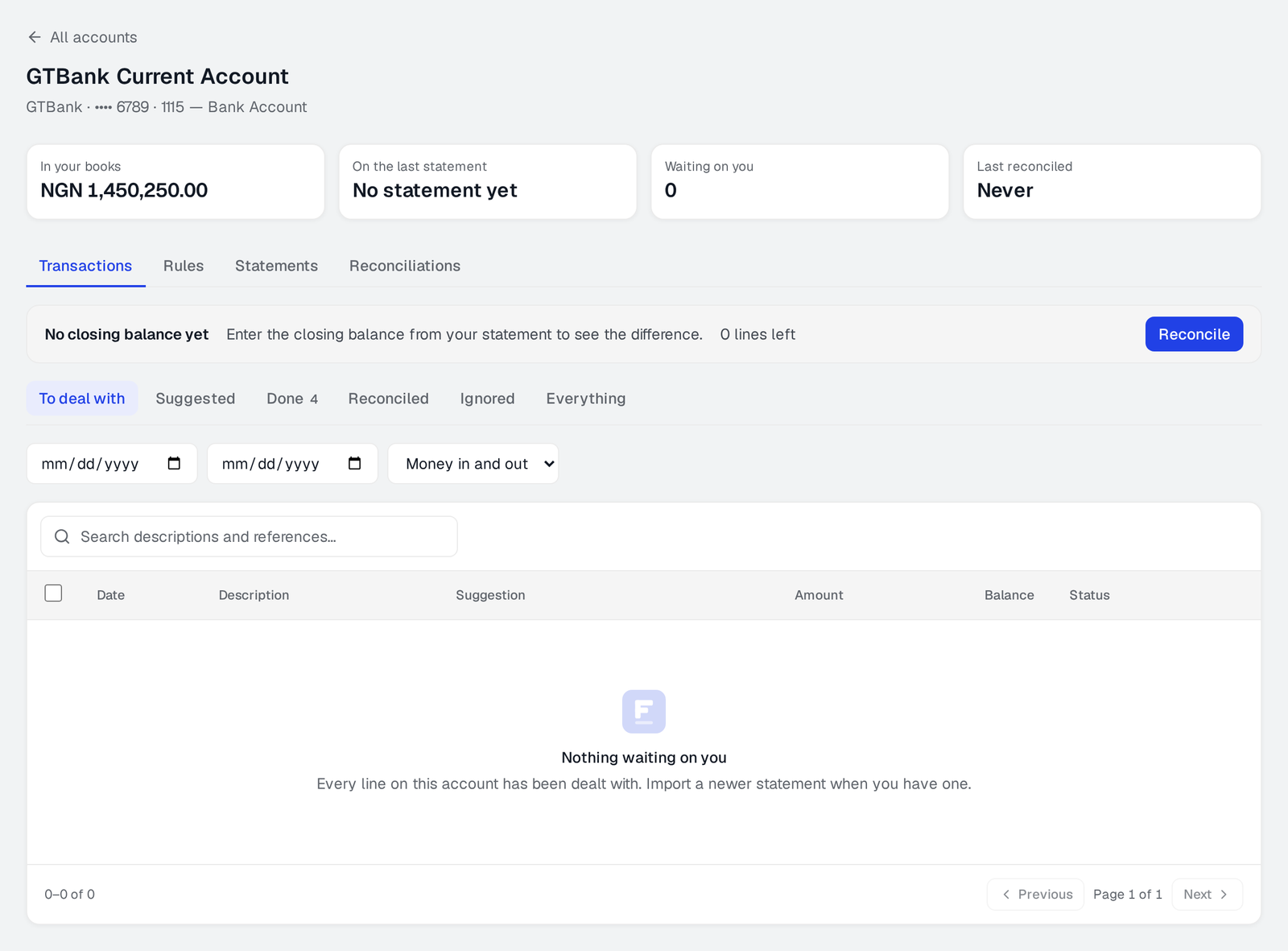
Import a statement, match it against invoices, bills, payments and journals, and post what is left. Journals, opening balances, a chart of accounts you can restructure, and periods that close.
Every change is on the audit trail in plain language — who changed what, from what, and when.
Tax
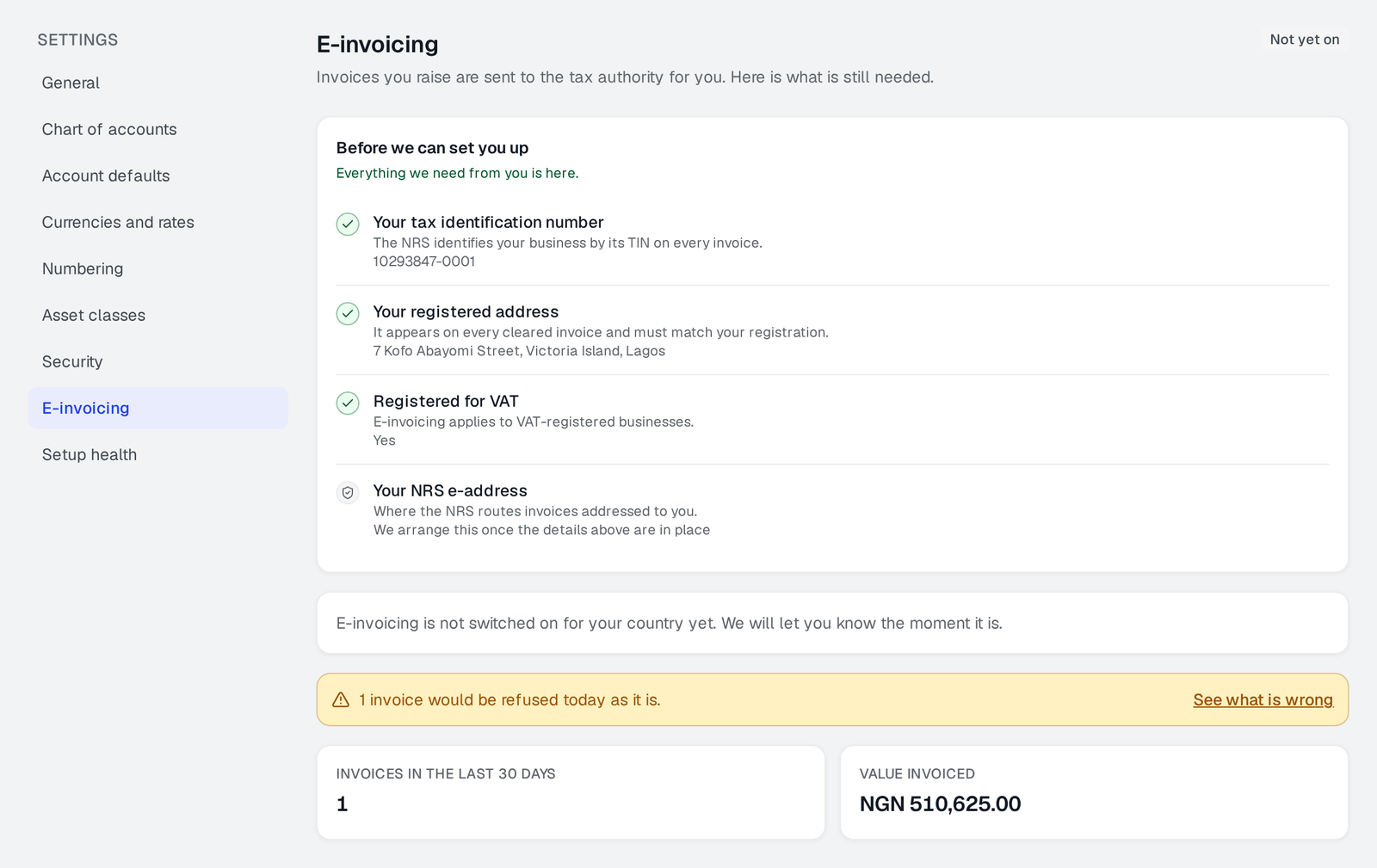
VAT worked out from the ledger rather than a spreadsheet, withholding tracked on both sides with credits recorded, and e-invoicing to the NRS from the invoice itself.
Knowing
Profit and loss, balance sheet, cash flow, trial balance, general ledger, VAT and tax returns, and an asset report — each over a period you choose.
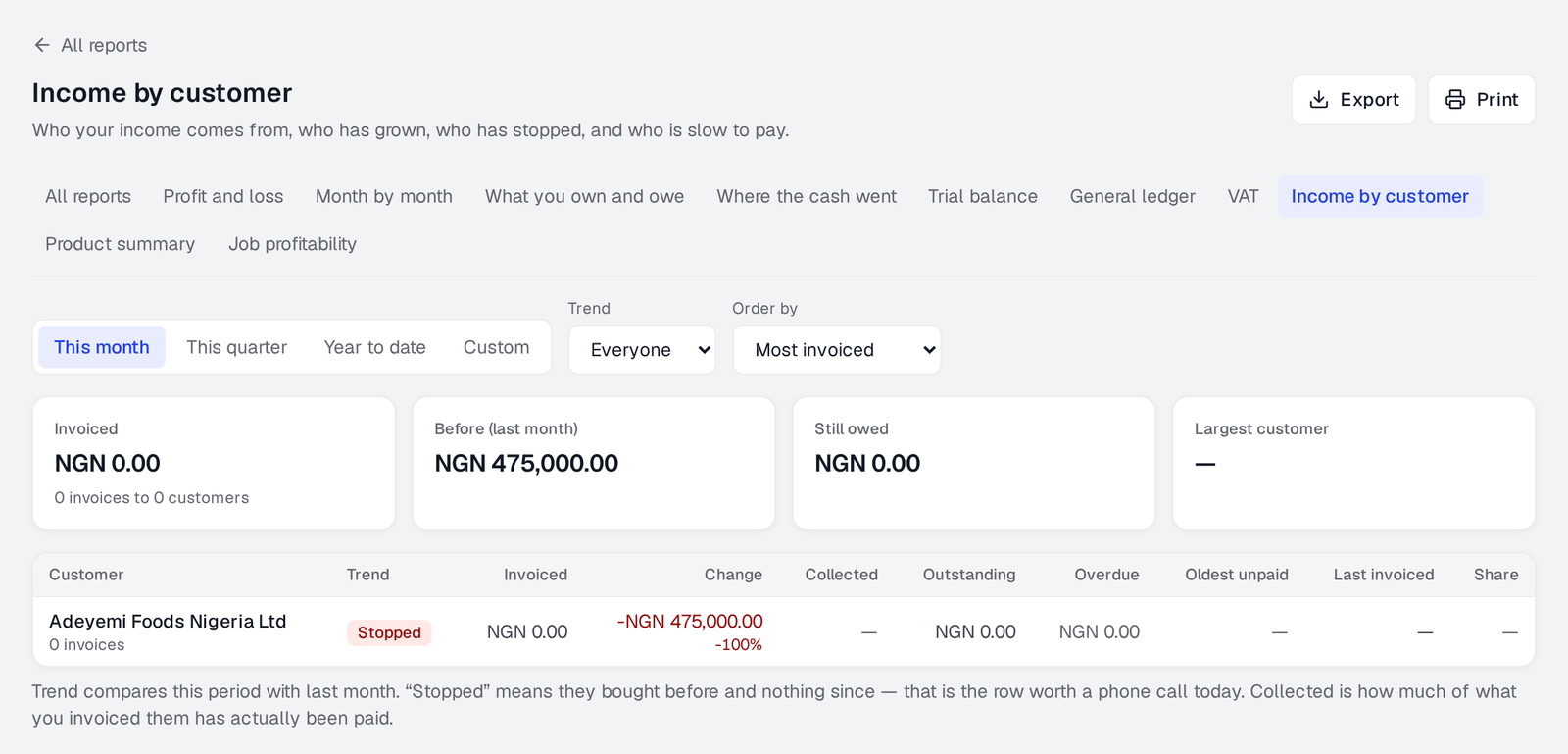
Beyond the statutory set: income by customer with a trend, a product summary, job profitability, and the IFRS 18 statement with its mandated subtotals and a management measures note that reconciles.
Your team
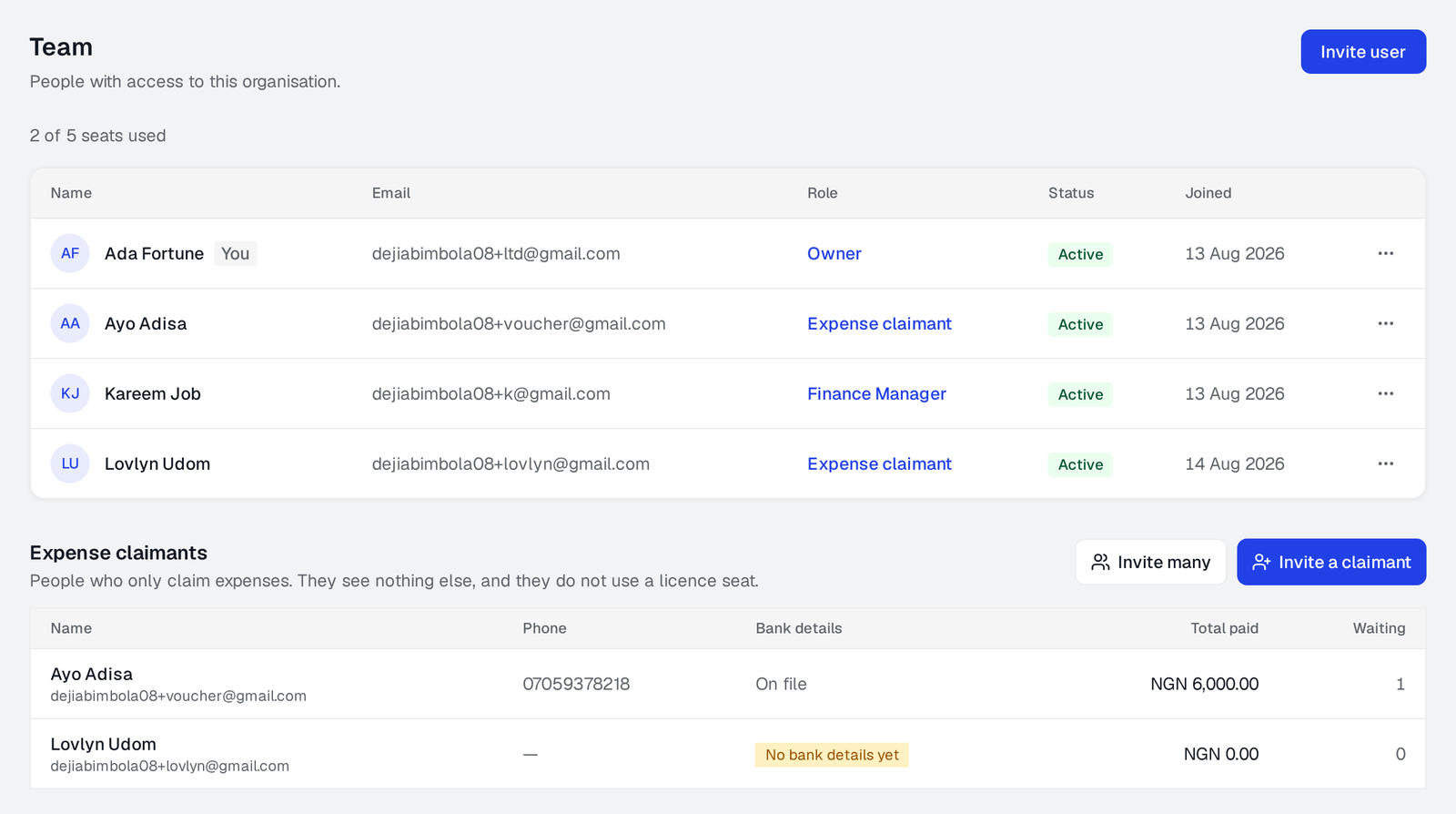
Roles described in plain language, so you can see what somebody will be able to do before you grant it. Approval thresholds by amount, so a large order needs a second person and a small one does not.
Nobody sees a screen they cannot use, and the database enforces the same rules independently of what the screen shows.
Try it with your own figures
Fourteen days, every feature of the plan you pick, and no card until you decide. If it is not the right thing, close the tab.